Built on Apple Screen Time
Block social media, filter adult sites, and set limits that hold — on your child's iPhone, or on your own. iOS does the blocking, so deleting the app doesn't undo it.
Download Skydo on the App StoreFree to download · €7.99/month · Cancel anytime

01
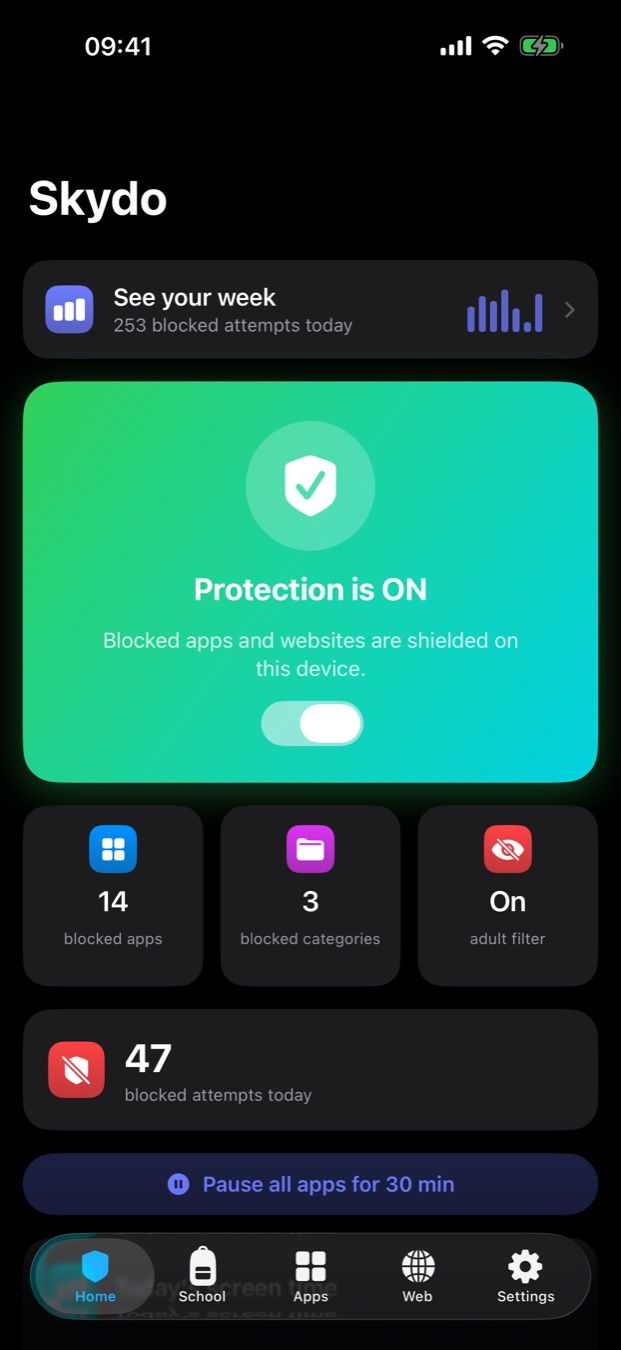
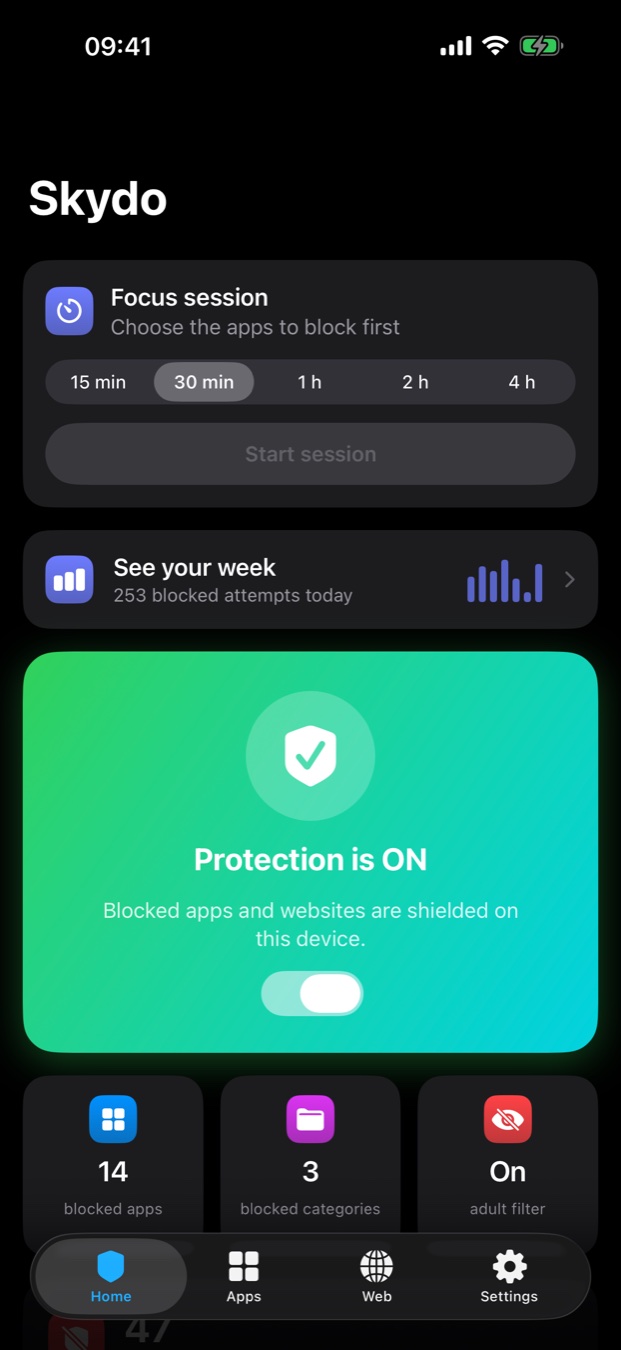
Protection on, and the apps you picked stop opening. Not a reminder, not a nudge — iOS refuses to launch them.

02
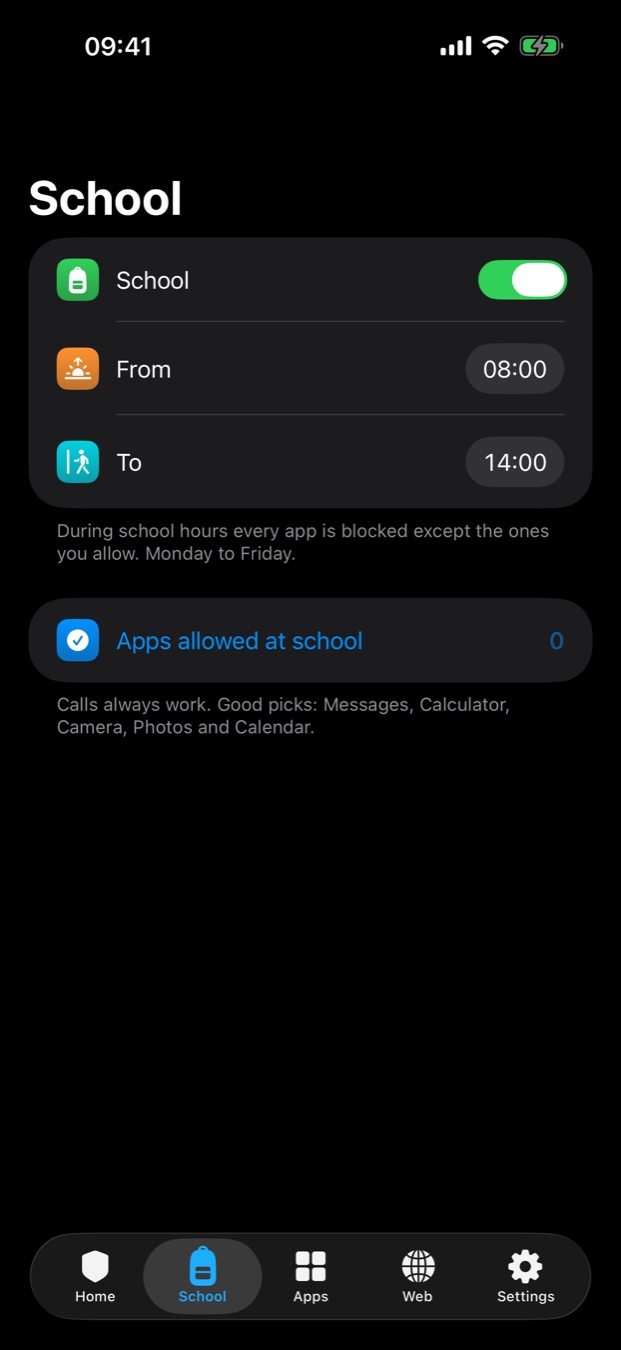
08:00 to 14:00 on weekdays, everything blocks except the apps you allow. At 14:01 it unlocks itself. Weekends stay free.

03
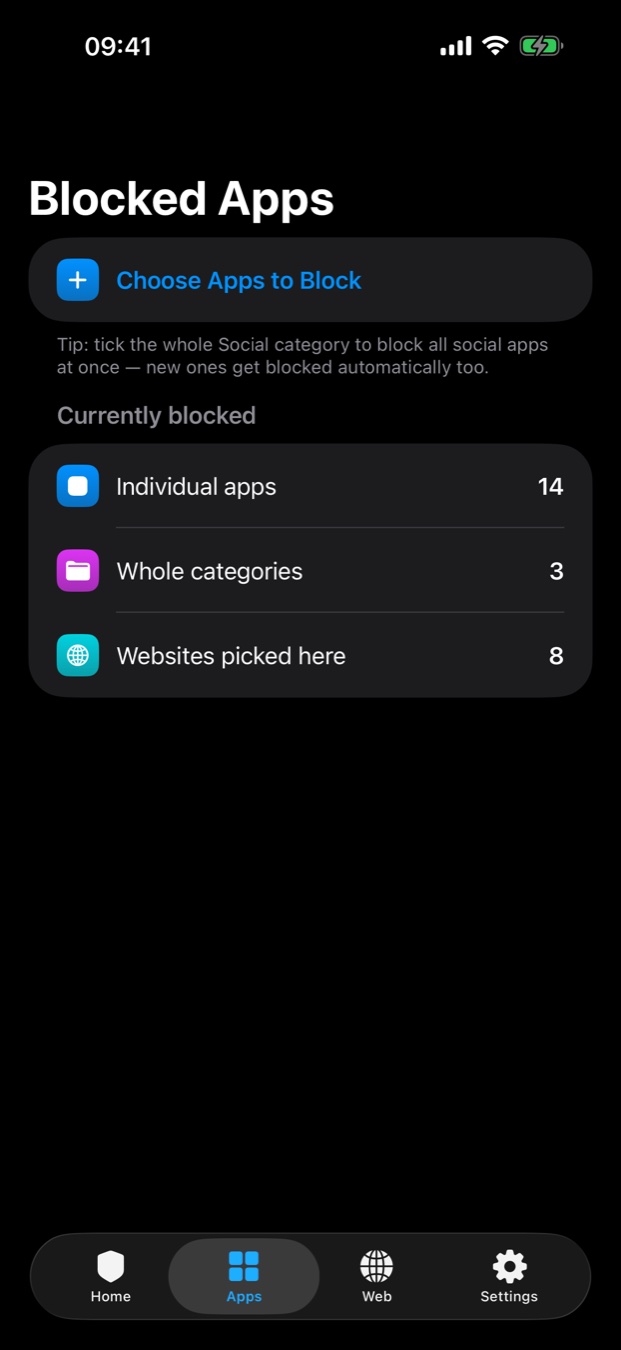
Tick a single app, or the whole Social category — which catches every social app your child installs later, automatically.

04
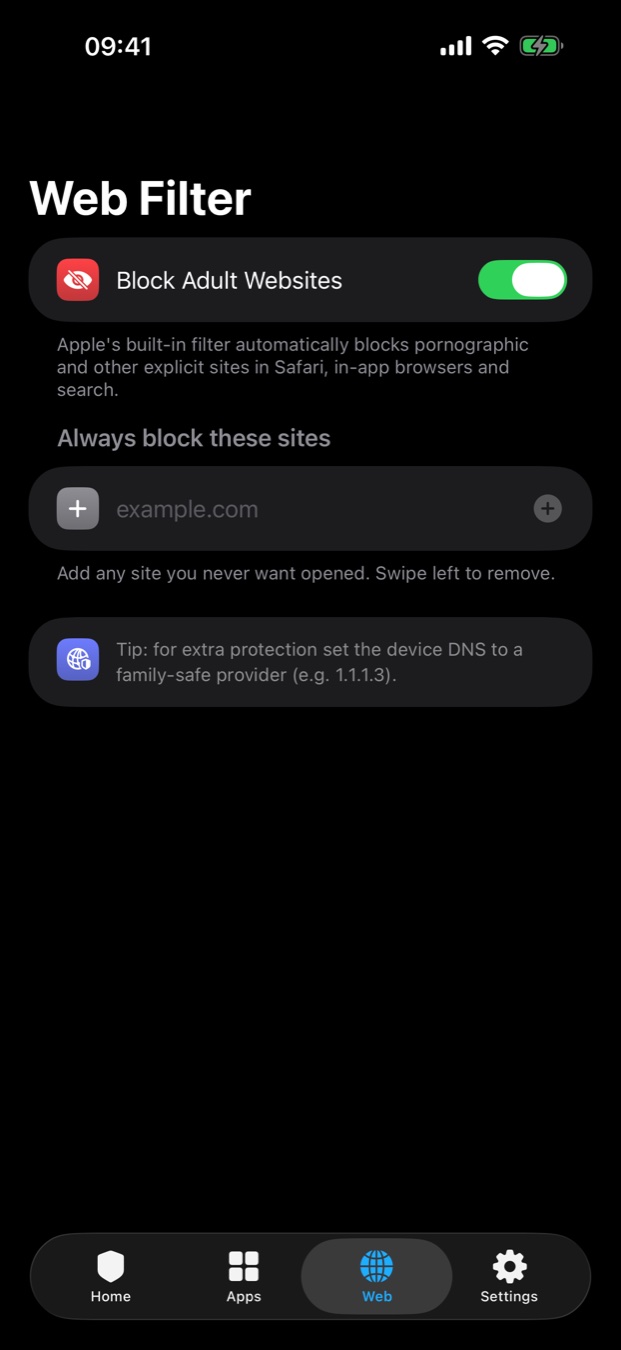
Pornographic and explicit sites are blocked in Safari, in in-app browsers and in search results. Add your own sites to the list.

05
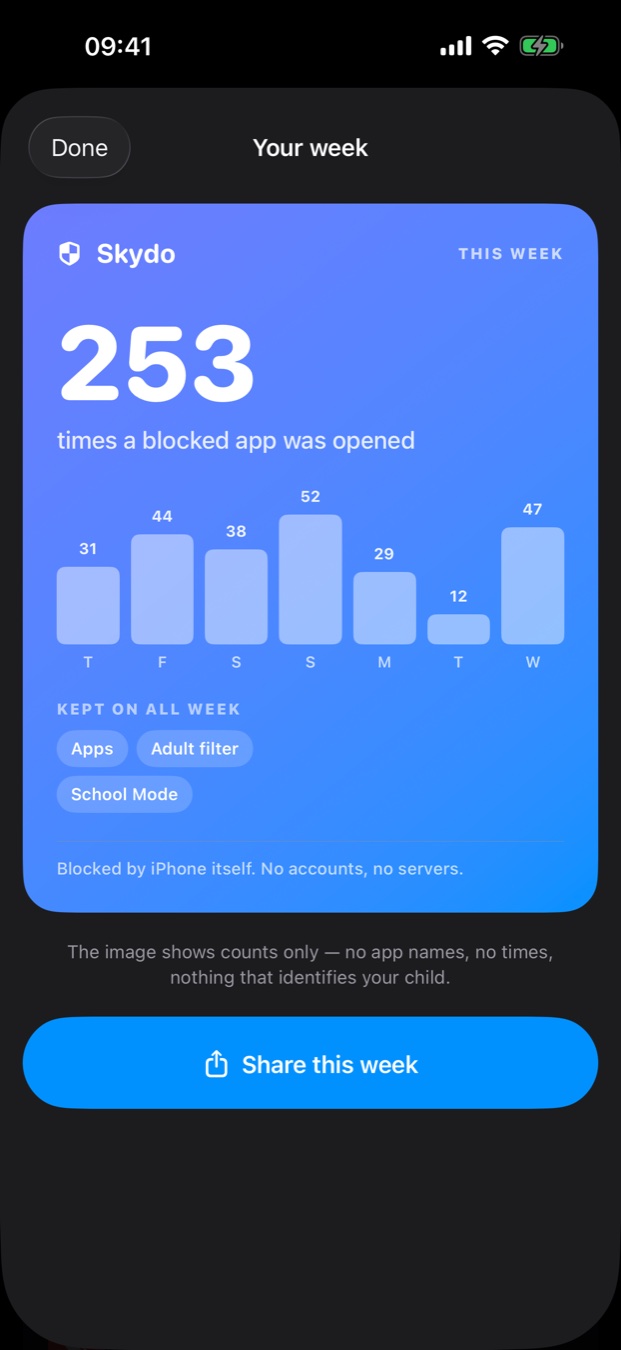
A card you can share: how many times a blocked app was opened, and which protections stayed on. Counts only — never app names or times.

06
Set Skydo up for yourself instead. Pick the apps, pick how long — fifteen minutes or the whole day. They don't open until the timer is done.
Set it up once. Skydo keeps to the schedule without you having to be in the room.
One tick covers every social app — including the ones installed next week.
Explicit sites blocked in Safari, in-app browsers and search.
Face ID or a parent PIN, with app deletion and new installs blocked.
30 minutes to 4 hours a day, plus quiet hours you choose.
Your child asks from the block screen. You grant 15 minutes — or don't.
Put a task on the block screen. Your child claims it, you unlock with one tap.
A shareable card showing how the week went. Counts only, no app names.
For adults blocking themselves. Set a timer; the apps stay shut until it ends.
Most parental-control apps upload your family's activity to their servers. Skydo has no servers to upload it to — and makes no network requests at all.
Not by ordinary means. The restrictions are enforced by iOS itself, and Skydo can be locked behind Face ID or a PIN with app deletion and new installs blocked. Anyone claiming a parental-control app is completely unbypassable is overselling — but this is the strongest mechanism Apple gives third-party apps.
Yes. When you set Skydo up you choose who it's for — your child, or yourself. Choosing yourself swaps the parent controls for timed focus sessions on your own device.
Only if you're setting it up for a child. Skydo is installed on the device being managed and protected with your PIN or Face ID. If you're limiting your own usage, it's just your phone.
Free to download, then €7.99 per month. Cancel anytime in your Apple subscription settings; access continues to the end of the paid period.
An iPhone or iPad on a current version of iOS or iPadOS, with Screen Time enabled. Skydo asks for permission the first time you open it.
No. Skydo is built directly on Apple's Screen Time frameworks, which have no Android equivalent.